

 En
En
 Español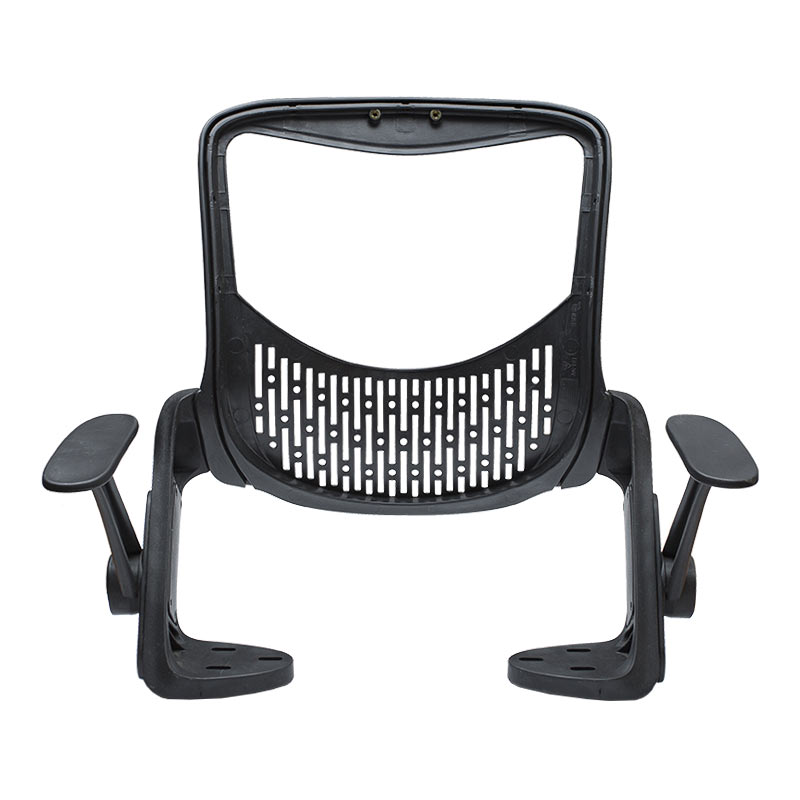
Call Us
+86 0572-5911661
 Home / News / Industry news / What Are the Essential Business Office Chair Parts That Impact Comfort?
2026-02-11
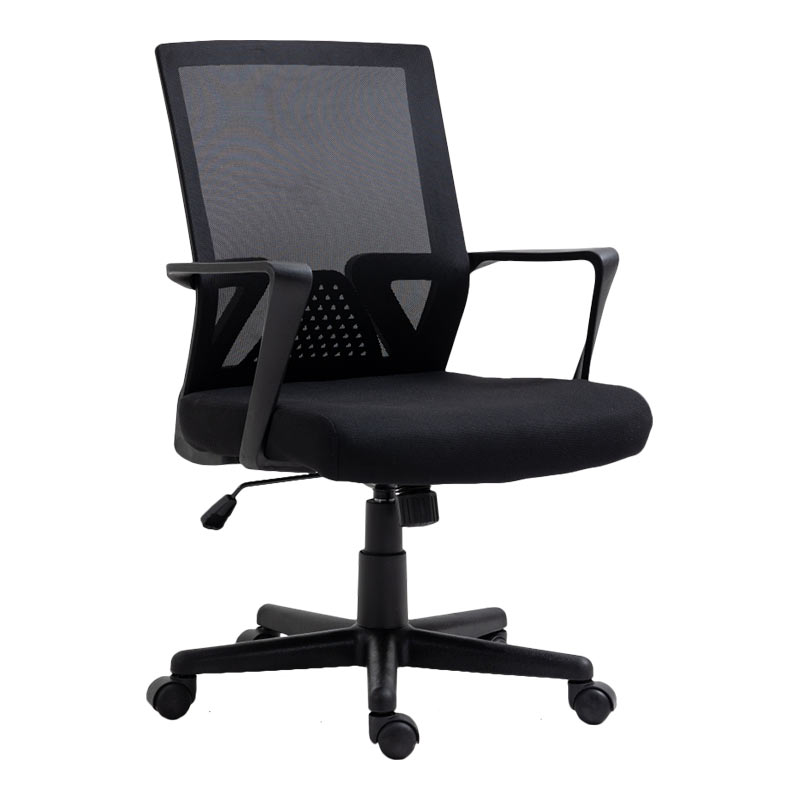
For professionals spending hours at their desks, an office chair is more than just furniture; it's a critical tool for productivity and health. While many focus on the chair as a whole, true comfort and ergonomic support come down to its individual components. Understanding the key business office chair parts allows you to make informed decisions, whether you're purchasing, maintaining, or adjusting your chair. This deep dive into the anatomy of an office chair will explore how each part directly influences your sitting experience, from lumbar support to stability. By optimizing these components, you can significantly enhance comfort, reduce fatigue, and prevent long-term musculoskeletal issues.
Content
The backrest is arguably the most critical component for spinal health. A well-designed backrest supports the natural S-curve of your spine, with particular emphasis on the lumbar (lower back) region. When lumbar support is inadequate, it forces the spine into an unnatural, straightened position, leading to disc pressure and muscle strain. High-quality business chairs feature adjustable lumbar mechanisms. These can range from simple height-adjustable pads to sophisticated dynamic systems that flex with your movement. The goal is to have the support hit the right spot on your lower back, filling the gap between your spine and the chair to maintain its natural inward curve. This support is essential for distributing upper body weight evenly and reducing the load on your spinal discs.
Lumbar support isn't a one-size-fits-all feature. Different chairs employ various mechanisms to provide this crucial support. The simplest form is a static, curved backrest designed with an ergonomic shape. More advanced chairs offer a separate lumbar pad that can be moved up and down. The most sophisticated systems allow you to adjust the prominence or depth of the support, effectively "pushing" the lumbar pad in and out. This is vital because the degree of lumbar curve varies from person to person. An adjustable mechanism ensures you can achieve a neutral pelvic tilt, which is the foundation of healthy seated posture. Without this adjustability, even an expensive chair can fail to provide the necessary support for your unique anatomy.
The seat pan is your primary point of contact with the chair, bearing your body's weight. Its design directly impacts blood circulation in your legs and overall pressure distribution. An ideal seat pan is wide and deep enough to allow you to sit with your back against the backrest while leaving about 2-4 inches of space between the seat edge and the back of your knees. This prevents pressure on the popliteal area behind the knees, which can restrict blood flow. The front edge, or waterfall edge, should be softly rounded to reduce pressure on the thighs. Furthermore, the seat's material and cushioning are paramount. High-density foam that retains its shape over time is essential to prevent bottoming out, which leads to discomfort and hotspots. For those in warmer climates or who tend to get warm, a breathable mesh seat can be a game-changer for temperature regulation.
Selecting the right seat involves balancing dimensions, materials, and personal physiology. The following table outlines key considerations to help evaluate what might work best for different needs.
| Feature | Typical Range / Options | Impact on Comfort |
| Seat Width | 18 - 22 inches | Must accommodate hip width without constriction; too wide can hinder armrest use. |
| Seat Depth (Adjustable) | 15 - 20 inches | Prevents pressure behind knees; crucial for proper thigh support. |
| Front Edge (Waterfall) | Rounded, padded decline | Reduces pressure on thighs, improving circulation. |
| Cushion Material | High-Density Foam, Memory Foam, Mesh | Foam offers plush support, mesh offers breathability but may be firmer. |
| Cushion Density | Medium to High (1.8 lbs/ft³ and above) | Higher density resists permanent deformation, providing longer-lasting support. |
Beneath the seat lies the heart of the chair's functionality: the control mechanism. This assembly governs how the chair moves and responds to your body. The most basic mechanism is a simple swivel. However, for true ergonomic benefit, a tilt mechanism is essential. It allows the backrest to recline, which shifts weight distribution and reduces spinal pressure. The key to a good tilt is control. A tension adjustment knob lets you set the resistance of the recline to match your body weight, so leaning back feels effortless but controlled. More advanced chairs feature synchronous tilt, where the seat pan and backrest move in a coordinated ratio as you recline, maintaining a consistent eye-to-screen distance and optimal hip-to-back angle. This sophisticated movement is one of the hallmarks of a high-quality business chair and is a primary reason people search for guides on how to fix office chair tilt mechanism when it malfunctions.
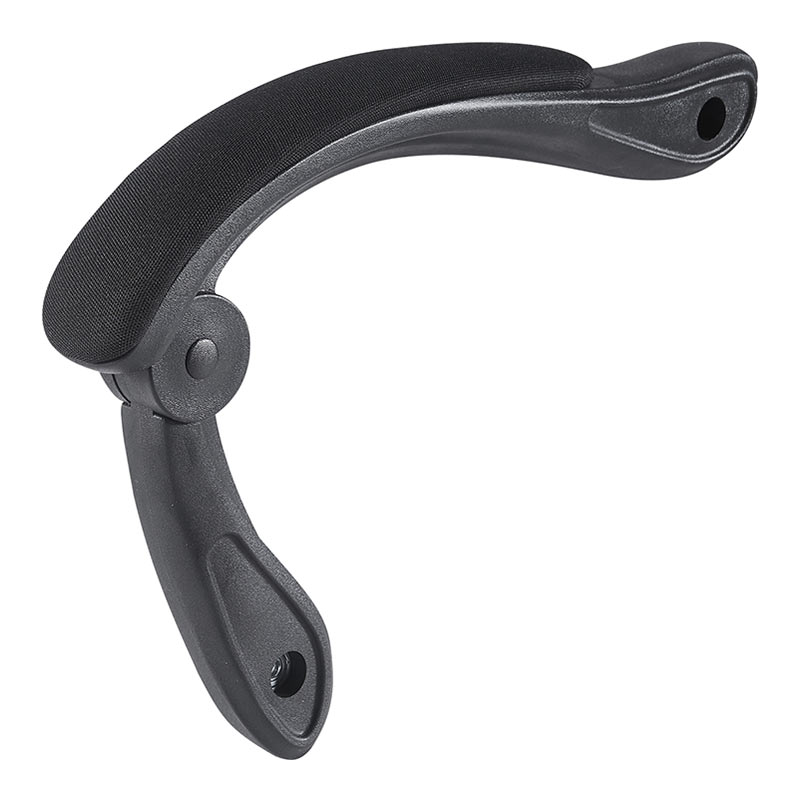
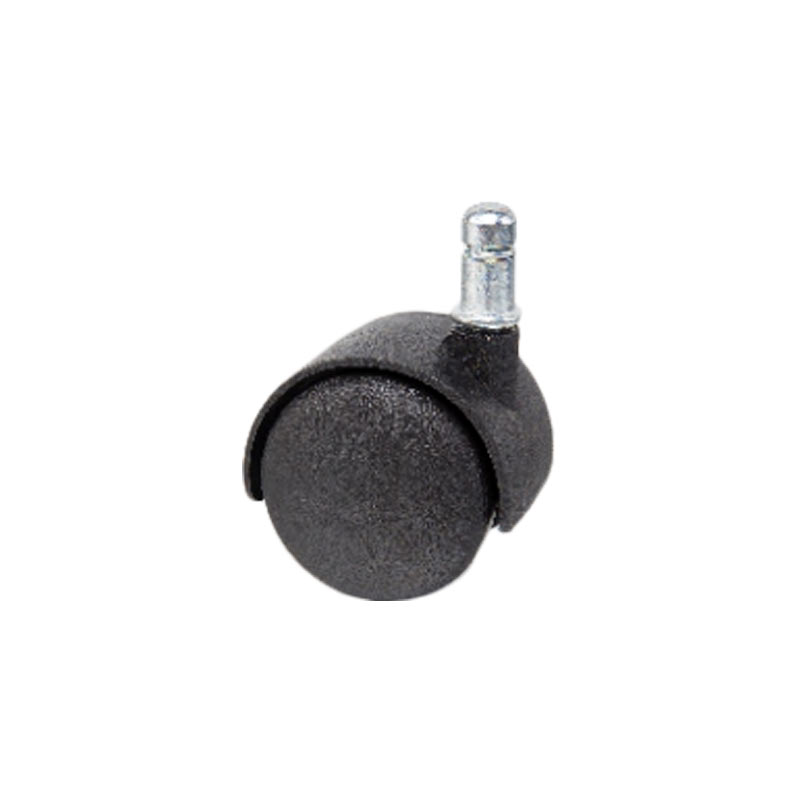
While the backrest and seat take center stage, the supporting business office chair parts play vital roles in overall comfort and functionality. Armrests, for instance, provide support for the forearms and shoulders, reducing strain on the neck and upper back. Ideally, they should be adjustable in height and width, allowing your arms to rest with shoulders relaxed and elbows at roughly a 90-degree angle. The chair's base and casters are the foundation of stability and mobility. A five-point base is the standard for safety, providing a wide, stable footprint to prevent tipping. The material of the base (typically nylon or aluminum) affects durability and weight. Casters, or wheels, should be chosen based on your floor type. Hard casters are for carpet, while soft rubber casters are for hard floors like tile or hardwood to prevent scratching and provide smoother rolling. The smooth operation of these components is critical, and knowing how to replace office chair wheels is a common maintenance need to restore easy movement when wheels become worn or damaged.
Selecting inappropriate casters can damage your floors, create excessive noise, or make the chair difficult to move. The right choice depends on your flooring material and the need for mobility versus stability. For plush carpets, smaller, hard plastic casters may get stuck, whereas larger, twin-wheel casters roll more easily. On delicate hardwood, soft rubber or polyurethane casters are essential to prevent scratches and dents. In environments where stability is paramount, such as on uneven surfaces or for users who push off their desk frequently, casters with a locking or braking feature can be invaluable. This attention to detail on seemingly minor parts like casters exemplifies the holistic approach needed to fully optimize office chair comfort and function.
| Floor Type | Recommended Caster Material | Benefits |
| Hardwood, Laminate, Tile | Soft Rubber / Polyurethane | Floor protection, quiet rolling, good grip. |
| Medium-Pile Carpet | Hard Nylon / Plastic | Easier rolling than soft casters, durable. |
| Thick/Plush Carpet | Large-Diameter Dual-Wheel (Hard) | Distributes weight, prevents sinking, improves mobility. |
| Multi-Surface (Mixed) | Hybrid (Hard center with soft outer ring) | Versatile performance across different floors. |
Even the best office chairs require maintenance and occasional part replacement to sustain comfort and functionality over years of use. Proactive maintenance not only extends the chair's lifespan but also ensures it continues to provide proper ergonomic support. Common wear items include the gas cylinder, which may cause the chair to sink slowly; the casters, which can wear down or accumulate hair and debris; and the seat cushion, which can compress and lose its supportive properties. Armrest pads may crack, and fabric can become stained or torn. Fortunately, a robust aftermarket exists for replacement parts. Identifying the specific part needed is the first step, which is why resources explaining office chair gas cylinder types and sizing are so valuable. Similarly, understanding how to replace office chair wheels or install an office chair seat cushion replacement empowers users to perform cost-effective repairs, avoiding the expense of a new chair and reducing waste.
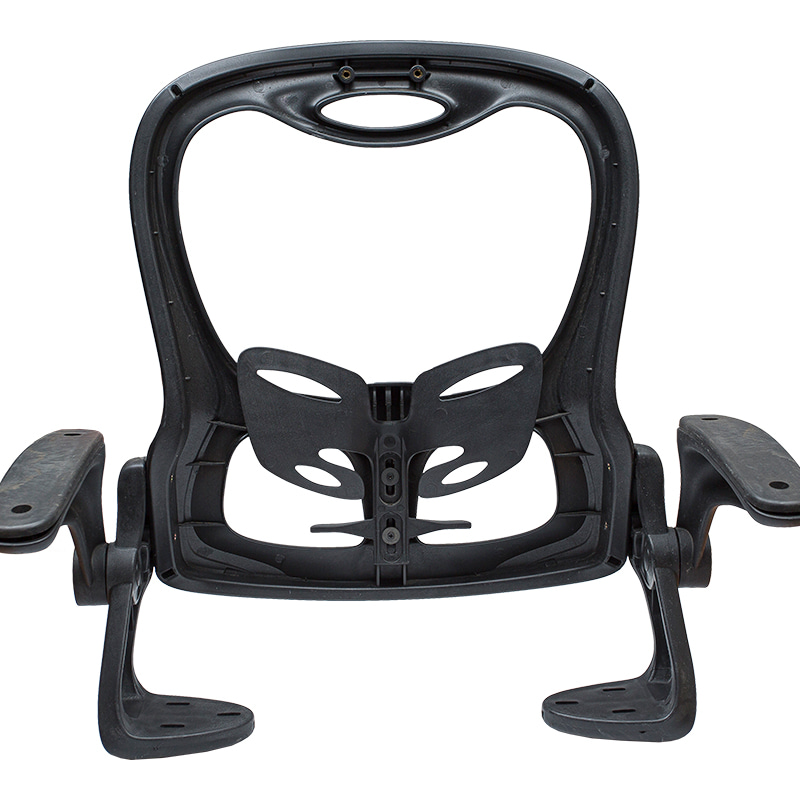
The gas cylinder (or gas lift) is arguably the most common point of failure in an office chair. Symptoms include the chair slowly sinking when you sit, failing to hold height, or becoming stuck at a low setting. This occurs due to seal wear inside the cylinder over time. Fortunately, replacing it is a common DIY repair. To fix it, you first need to identify the correct office chair gas cylinder types and size for your model. This typically involves measuring the total length, the piston diameter, and the top stem style. With the right part, the repair involves safely removing the old cylinder—often requiring a pipe wrench and protective gear—and installing the new one. This repair can add years to your chair's life and is more cost-effective than replacement.
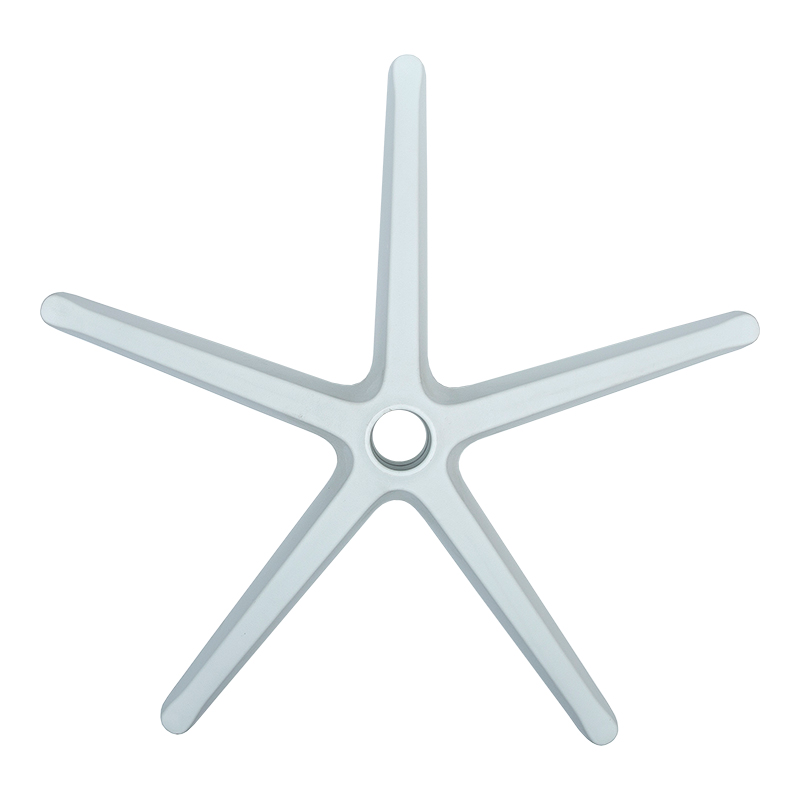
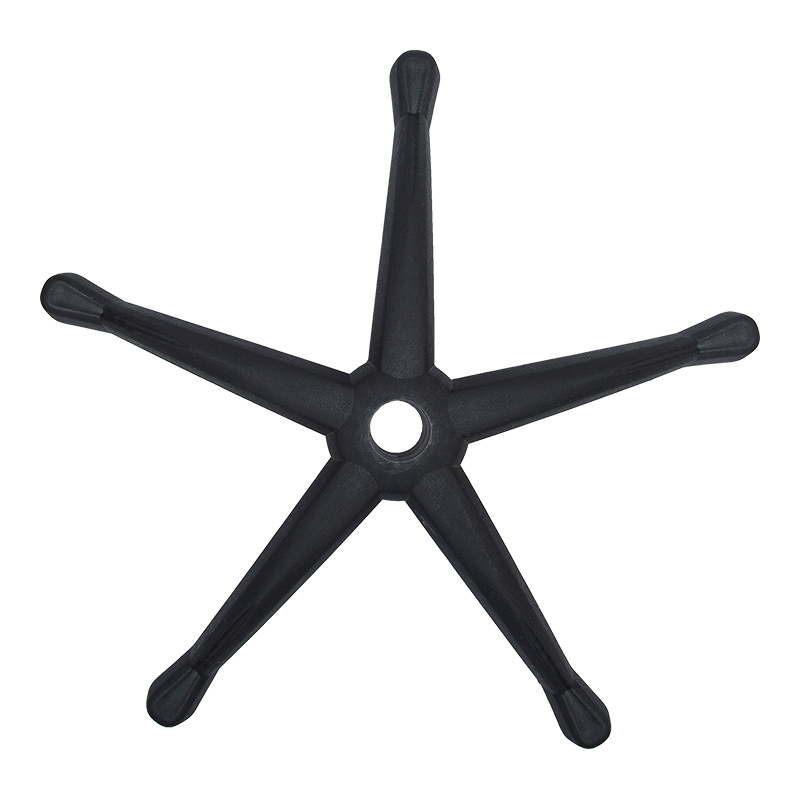
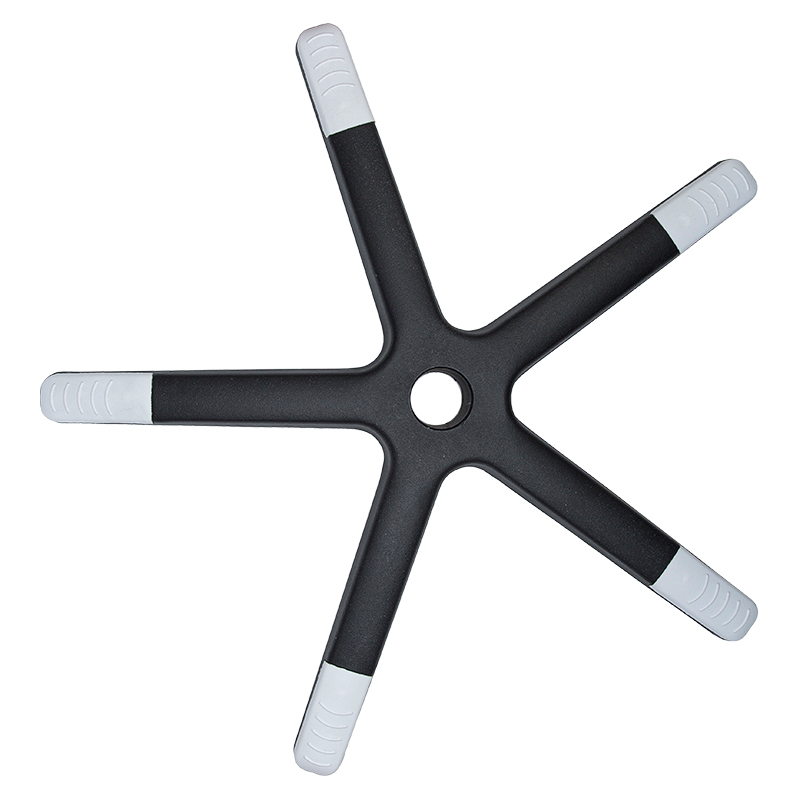
A side-to-side wobble usually indicates an issue with the chair's central connection point or base, not the gas cylinder. The problem often lies in one of two areas: the "spider" or "star" plate (the plastic or metal piece that connects the gas cylinder to the five-pronged base), or the bolts connecting the base legs to this plate. Over time, these bolts can loosen, or the plastic spider plate can crack. First, check and tighten all visible bolts where the base attaches. If the wobble persists, invert the chair and inspect the spider plate for cracks. Replacing the entire base assembly (base and spider plate) is a common and relatively straightforward fix that restores stability to your chair.
You likely need an office chair seat cushion replacement if you experience persistent discomfort, notice your hips or thighs feeling sore after sitting, or can physically feel the hard base of the chair through the padding. Visually, the foam may look flattened or deformed. High-density foam is designed to resist this, but after 5-7 years of daily use, compression is normal. Replacing the cushion involves removing the old fabric and foam from the seat pan and installing a new pre-cut cushion or using universal cushion pads with straps. This refresh can dramatically improve comfort and is a key maintenance task for extending the usability of an otherwise structurally sound chair.
Yes, in many cases, office chair armrests can be upgraded or replaced. The feasibility depends on how the armrests attach to the chair. Some models have armrests that bolt directly into the seat mechanism or backrest, and aftermarket replacements may be available from the manufacturer or third-party suppliers. More universally, you can add clamp-on or slide-on padded armrest covers that provide additional padding and sometimes height adjustment. For a more integrated upgrade, if your chair has removable armrests, you might find compatible models with more adjustability (like 4D armrests) that fit the same mounting points. This is a great way to enhance comfort without purchasing a whole new chair.
A chair that leans to one side is a serious stability issue often caused by a bent or broken part. The culprit is usually one of three business office chair parts: a bent gas cylinder, a cracked wheel caster stem socket in the base, or a broken base leg. First, inspect the base legs for any visible cracks or damage. Then, check if all casters are securely seated and if any are damaged. If those seem fine, the gas cylinder may be bent. This can happen from excessive force or weight. Fixing this typically requires replacing the damaged component—most commonly the base or the gas cylinder. Due to the safety risk of a collapsing chair, it's important to address this issue promptly and ensure any replacements are installed correctly.
Recommended Products

Call Us
+86 0572-5911661

Need Support

Head Office
ADD:Baishuiwan Industrial Park, Anji County, Zhejiang Province
Copyright © 2025Zhejiang Lubote Plastic Technology Co. , Ltd.
All Rights Reserved.Custom Chair Replacement Accessories Factory

