

 En
En
 Español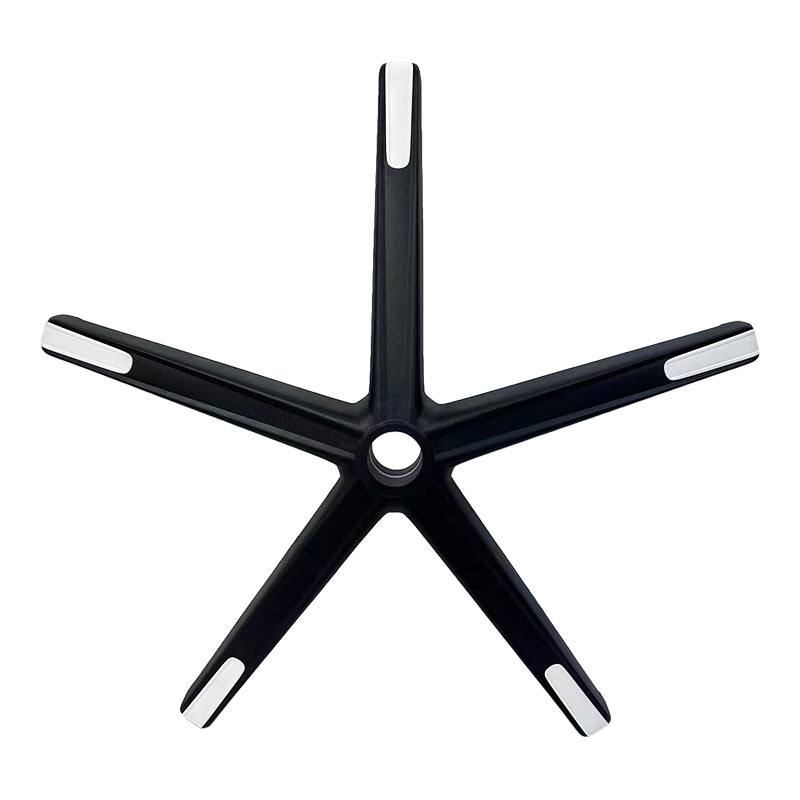
Call Us
+86 0572-5911661
 Home / News / Industry news / Office Chair Materials, Lumbar Support, Tilt Tension and Ergonomic Setup
2026-06-08
Content
Office chairs are built from a combination of structural, cushioning, and surface materials — each chosen to balance cost, durability, comfort, and aesthetics. Understanding what goes into a chair helps when selecting one, comparing replacement parts, or evaluating long-term quality.
The internal frame is almost always steel or reinforced nylon. Steel frames are standard in mid-range and commercial chairs; they resist flex under high weight capacities (often rated to 120–150 kg / 265–330 lbs) and last for decades. Budget chairs may use a thinner-gauge steel or glass-filled polypropylene frame, which is lighter but more prone to cracking under sustained load. The five-star base is typically cast aluminum for premium chairs or glass-fiber reinforced nylon in most consumer and commercial models — both materials provide the impact resistance needed for a component that contacts the floor thousands of times over a chair's life.
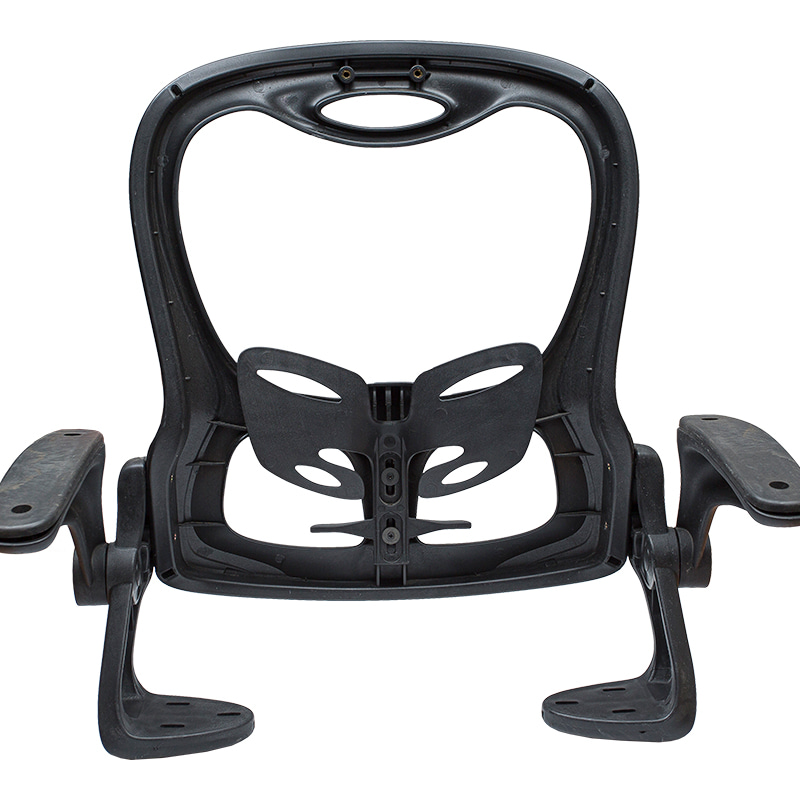
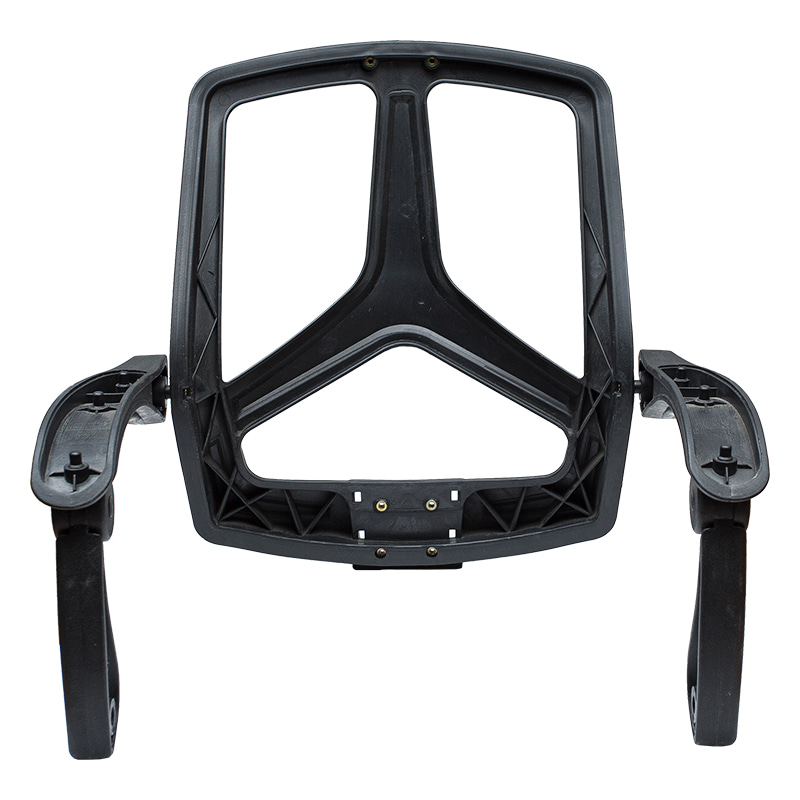
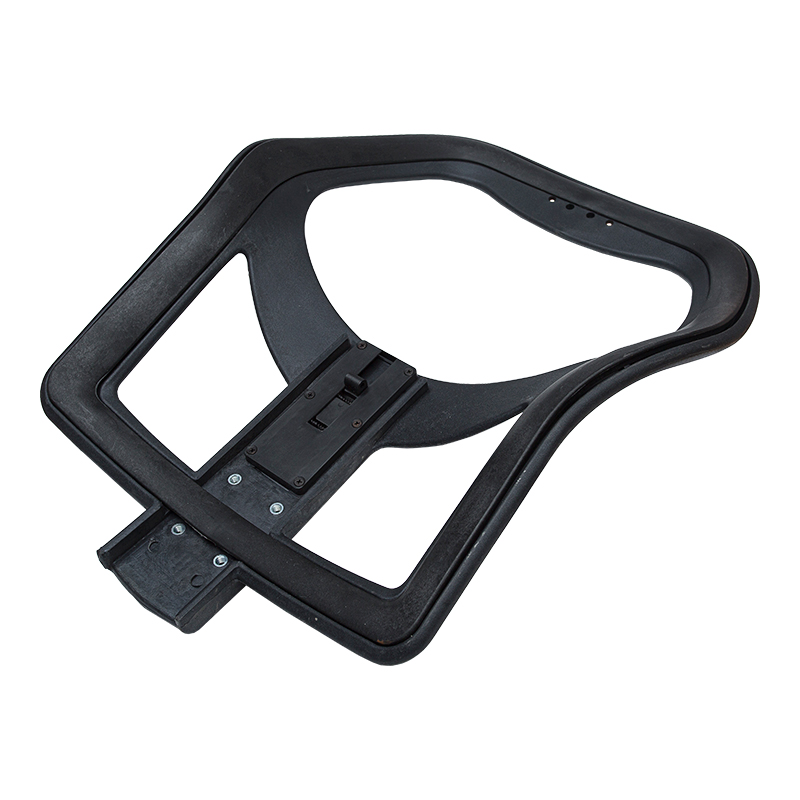
The rigid shell beneath the padding is injection-molded polypropylene or ABS plastic in most office chairs, providing the structure that transfers body weight to the mechanism and base. Higher-end chairs sometimes use glass-fiber composite or aluminum for the seat pan. Mesh-back chairs replace the back shell with a stretched polymer mesh — typically nylon or polyester — tensioned across a rigid frame, which allows airflow and conforms to the spine's natural curve without requiring foam padding.
Seat padding in most office chairs uses cold-cure polyurethane foam, density-rated between 40–60 kg/m³ for commercial grade seating. Higher density means the foam holds its shape longer under repeated compression — a chair with low-density foam (under 35 kg/m³) will begin bottoming out noticeably within 2–3 years of daily use. Some premium chairs layer high-resilience foam over a memory foam base for a firmer top surface with pressure-relief underneath. Upholstery materials include bonded leather (PU-coated fabric), genuine leather, woven polyester fabric, or vinyl — each with different breathability, cleanability, and wear characteristics.
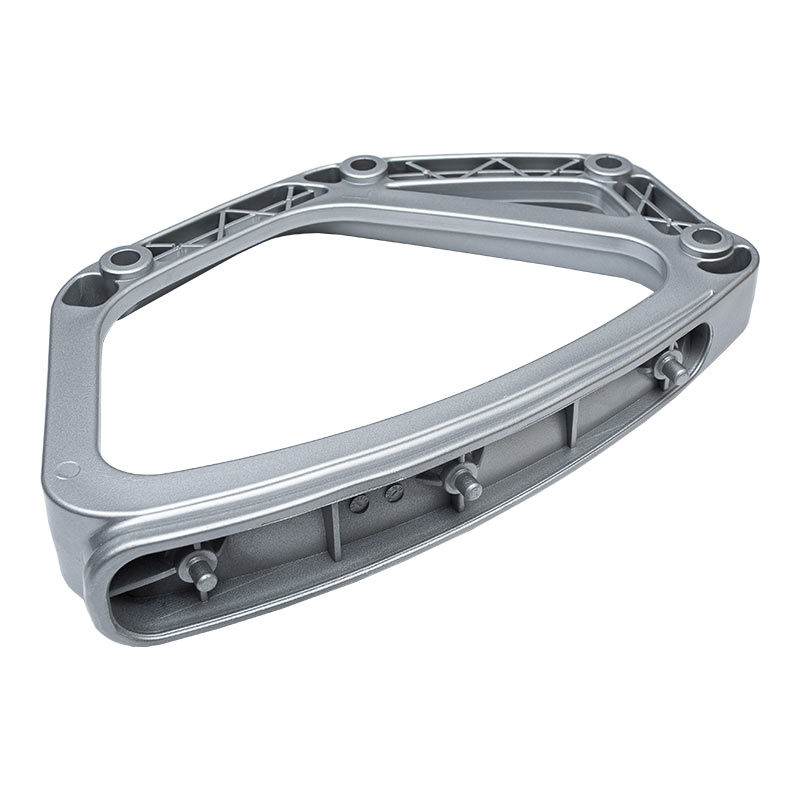
The tilt mechanism housing is stamped or cast steel. The gas lift cylinder — the central post connecting base to seat — uses a sealed pneumatic piston filled with nitrogen gas, rated at 100 lbs of force in most standard chairs. Cylinders are sized in Class 3 (most consumer chairs, ~100 mm travel) or Class 4 (heavy-duty commercial, ~125 mm travel). Armrests are typically polyurethane-padded nylon or aluminum.
Replacing a worn seat or back instead of buying a new chair is cost-effective — but compatibility is the key constraint. Most office chair seats and backs are not universal; they attach to the mechanism or frame via a specific bolt pattern, seat pan width, and mounting bracket design that varies by manufacturer and model line.
Before ordering a replacement seat or back, measure the existing component carefully:
If the chair model is identifiable, sourcing OEM replacement parts from the manufacturer is the most reliable route. Generic replacement seats from aftermarket suppliers work when the bolt pattern matches, but foam density and cover material quality vary widely. For mesh backs, always check the mesh tension spec — a replacement back with the wrong mesh gauge will feel noticeably different from the original.
The knob underneath an office chair — typically a large paddle or cylindrical dial located below the seat pan — controls tilt tension. It adjusts how much resistance you feel when leaning back in the chair. Turn it clockwise to increase resistance (harder to recline); turn it counterclockwise to reduce resistance (easier to recline).
Tilt tension is not the same as seat height. The gas lift lever (usually a separate lever on the right side of the seat) controls height. The tilt tension knob only controls how stiff or loose the recline motion feels — it does not lock the chair in a reclined position unless the chair also has a separate tilt lock mechanism.
The correct tilt tension is body-weight dependent. A tension setting that feels right for a 60 kg person will feel far too loose for a 90 kg person. The general calibration rule: sit fully in the chair, place your feet flat on the floor, and adjust tension until you can lean back with moderate effort — roughly equivalent to pressing down on a firm surface with your open hand. You should be able to recline without straining, but the chair should not tip back the moment you relax your core. Most manufacturers recommend re-adjusting tension whenever a different person uses the chair regularly, or when the chair is shared.
If the tilt tension knob no longer holds adjustment — the chair reclines freely regardless of the setting — the tension spring inside the mechanism has likely fatigued or the knob's threaded interface has stripped. This is a mechanism component failure; in most chairs, the entire tilt mechanism is replaceable as a unit for $30–$80 depending on the chair class.
Lumbar support refers to a feature built into the chair back that maintains the inward curve of the lower spine — the lumbar region, specifically the L1–L5 vertebrae — during seated posture. Without lumbar support, prolonged sitting tends to flatten or reverse this curve, loading the lumbar discs unevenly and contributing to lower back pain, which affects an estimated 80% of office workers at some point during their careers.
Lumbar support in office chairs takes several forms:
The lumbar support should sit at the small of the back — roughly 5–10 cm above the seat — and contact the spine without pushing it forward. A correctly positioned lumbar support maintains a slight forward lean in the lower back rather than allowing it to slump into a C-curve.
The difference between mid-back and high-back chairs is primarily the height of back support — and that difference has practical consequences for posture, fatigue, and the type of work being done.
| Feature | Mid Back | High Back |
|---|---|---|
| Back height | ~45–55 cm (18–22 in.) | ~60–80 cm (24–32 in.) |
| Support area | Lumbar and mid-spine | Lumbar, mid-spine, and upper back/shoulders |
| Head/neck support | None (no headrest) | Available with headrest on most models |
| Best for | Active, forward-leaning tasks; users under 180 cm | Long sessions, reading, video calls; taller users |
| Recline comfort | Limited upper back contact when reclined | Full back contact through recline range |
| Typical footprint | Smaller, lighter | Larger, heavier |
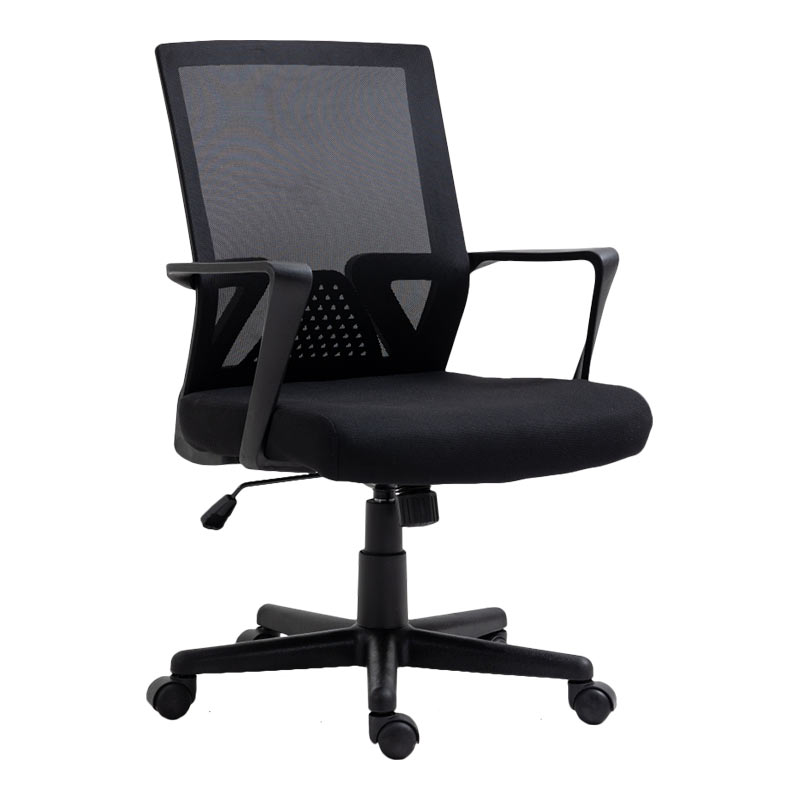
A mid-back chair suits most desk tasks where the user sits forward and actively engages with the workstation — writing, drafting, or keyboard-intensive work. Without a headrest, it encourages an upright posture rather than reclining. Mid-back chairs are also better in small spaces and for users whose shoulder height doesn't align well with a fixed high-back panel.
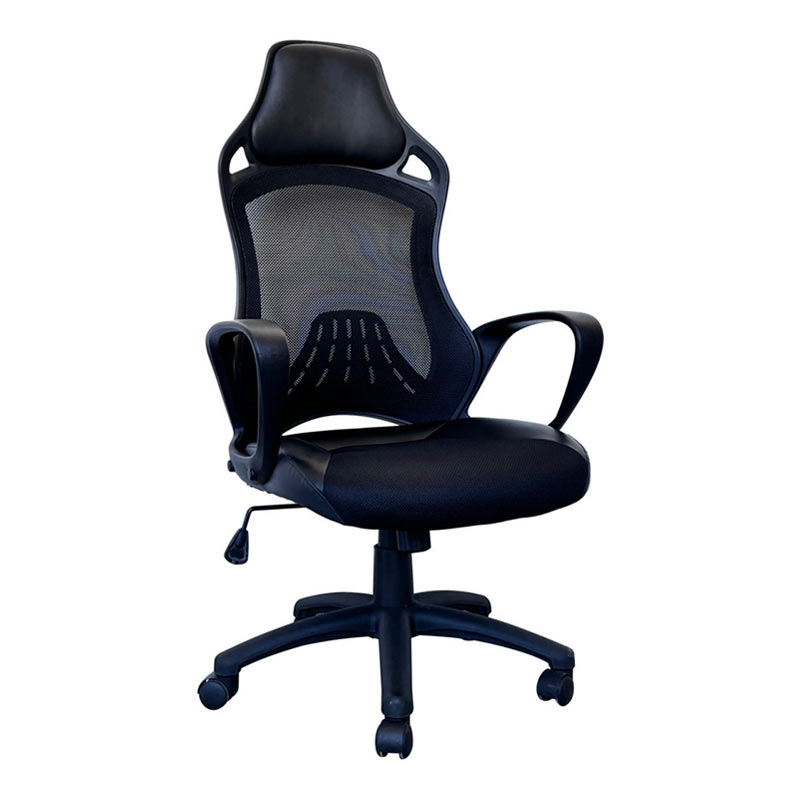
A high-back chair is the better choice for users who spend 6+ hours per day seated, who participate in long video calls or reading sessions, or who are taller than 180 cm (6 ft) and need back support through the upper thoracic spine. The headrest extension reduces neck muscle fatigue during reclined positions but should only contact the head when the user is actually reclining — if the headrest pushes the head forward during upright sitting, it forces the cervical spine into a flexed position, which can cause more neck strain than no headrest at all.
Ergonomic setup is only effective when adjustments are made in sequence — starting from the floor up. Adjusting armrests before setting seat height, for example, almost always produces misaligned results. Follow this order:
Sit with feet flat on the floor. Thighs should be roughly parallel to the floor — or very slightly declined (front edge of seat slightly lower than the back). Knees should be at approximately 90–100°. If feet cannot reach the floor at the correct thigh angle, use a footrest rather than raising the seat, which would cause thigh compression against the seat edge.
There should be roughly 2–3 finger-widths of clearance between the front edge of the seat and the back of your knees. A seat that is too deep forces a slouched position to reach the backrest; too shallow and the thighs lose support. If the chair has a sliding seat pan, adjust accordingly.
Slide the lumbar pad up or down until it contacts the inward curve of the lower back — approximately at the belt line. You should feel gentle pressure inward, not a push that forces you forward in the seat.
Armrests should sit at elbow height when shoulders are relaxed — not raised. If the armrests are too high, they push the shoulders up; too low, and the arms hang unsupported. The goal is for the armrests to lightly support the forearms without creating upward shoulder pressure. If armrests interfere with pulling close to the desk, lower them or remove them.
With posture set, adjust the office chair tilt tension knob so reclining requires a deliberate lean — the chair should not drift back under the weight of relaxed sitting. A well-calibrated tilt allows dynamic movement throughout the day, which reduces spinal load compared to locked, static seating. Research from Cornell University's Human Factors and Ergonomics Lab suggests a reclined back angle of 100–110° from vertical reduces lumbar disc pressure more effectively than a strictly upright 90° posture.
Once the chair is set, verify the monitor distance and height relative to the new seated position. The top of the screen should be at or just below eye level; the keyboard should allow elbows to remain at roughly 90° with wrists neutral. If monitor or keyboard positions need to change significantly after the chair adjustment, correct them — ergonomic chair setup and workstation layout are interdependent.

Call Us
+86 0572-5911661

Need Support

Head Office
ADD:Baishuiwan Industrial Park, Anji County, Zhejiang Province
Copyright © 2025Zhejiang Lubote Plastic Technology Co. , Ltd.
All Rights Reserved.Custom Chair Replacement Accessories Factory

